
BSI Dashboard Performance
Transforming manual Excel reports into automated insights
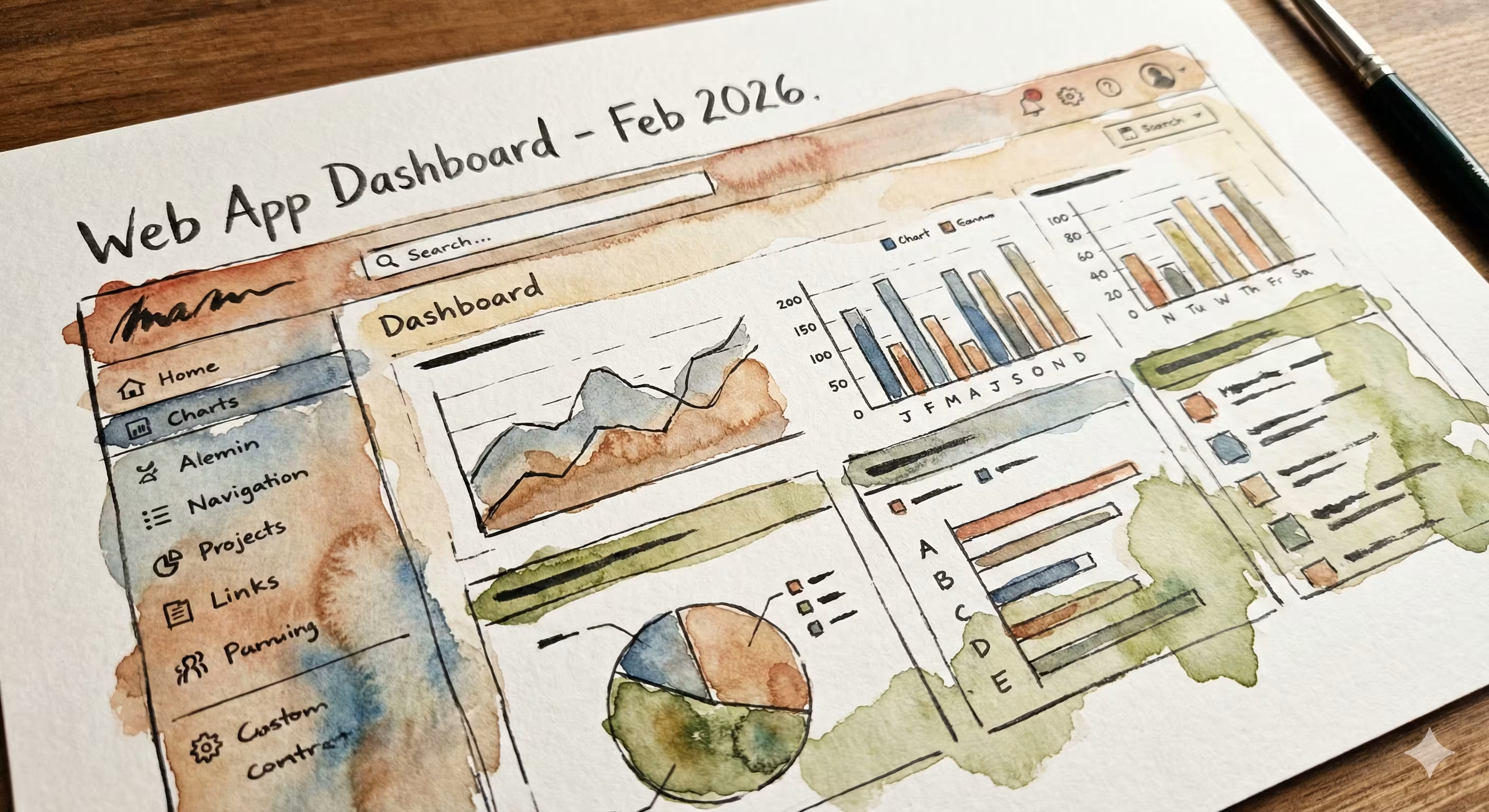
BSI Dashboard Performance is a web-based system developed for Bank Syariah Indonesia (Region Office VIII Surabaya) to manage and monitor the performance of each area and branch.
The Journey
The Excel Problem
When manual processes become bottlenecks
Walking into Bank Syariah Indonesia on my first day, I was handed a stack of Excel files. "We spend 2-3 hours every day compiling these reports," my supervisor explained. "And by the time we finish, the C-level executives need yesterday's data." The problem was clear: 65+ branches across Java and Bali were sending Excel files in slightly different formats. Staff members would manually copy data, create charts, and compile reports. The process was: • Time-consuming (2-3 hours daily) • Error-prone (manual data entry) • Not scalable (adding new branches meant more work) • Delayed decision-making (executives got outdated data) I had 3 months to build something better.
Building the Parser
Teaching a computer to read Excel files
The core challenge was creating a parser that could handle different Excel formats. I spent the first month studying every Excel file format the branches used and built a flexible parsing system that could: 1. Detect which format an uploaded Excel file used 2. Map columns to the correct database fields 3. Handle missing or malformed data gracefully 4. Provide clear error messages when something went wrong For the database, I chose SQLite for its simplicity during development. Laravel's Eloquent ORM made it easy to switch to a more robust database if needed in production. The parser could handle variations like: • Different column orders • Extra columns that weren't in the standard format • Merged cells (a common Excel practice) • Multiple sheets in one file
The Dashboard Design
Data visualization for decision-makers
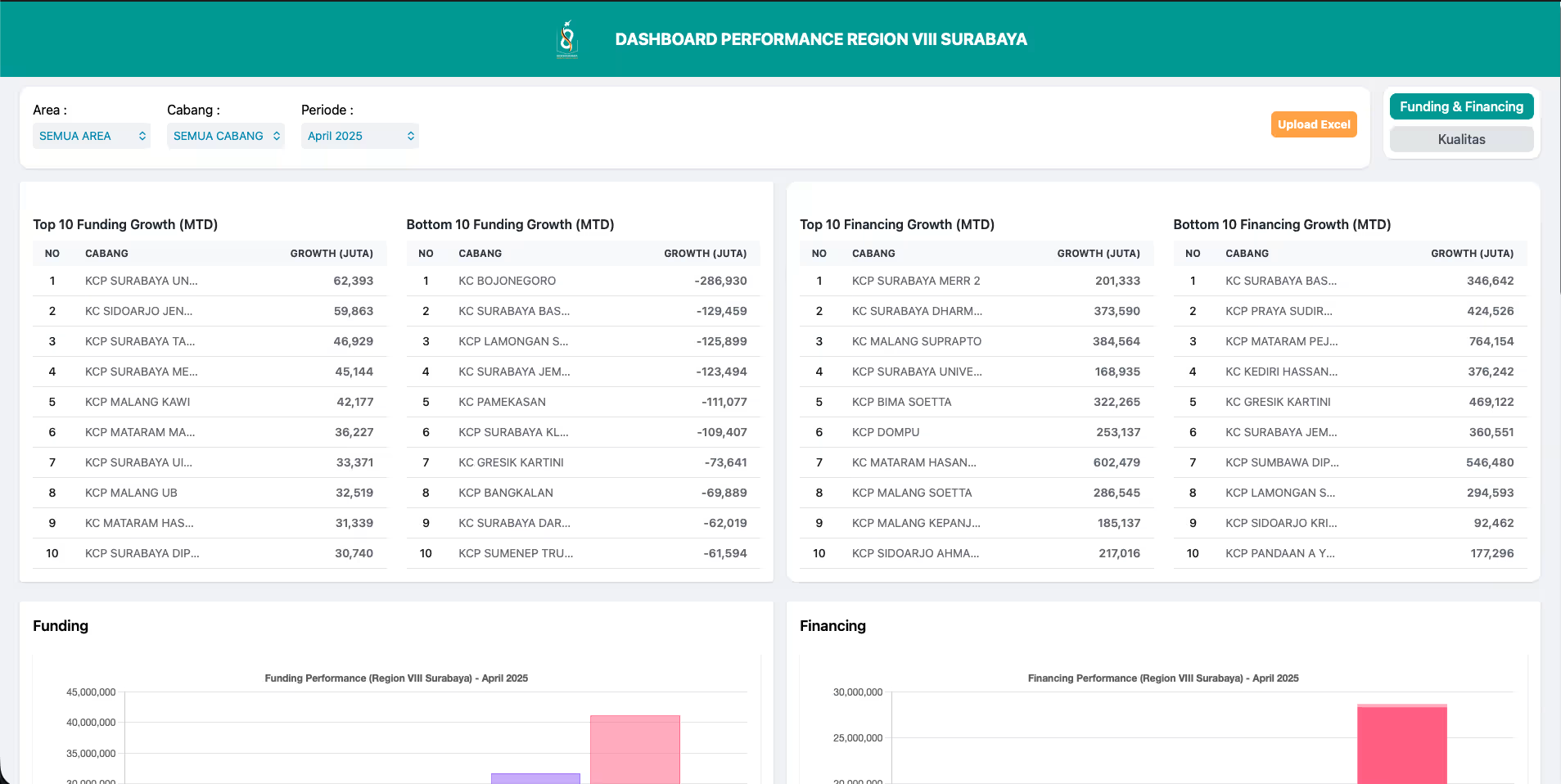
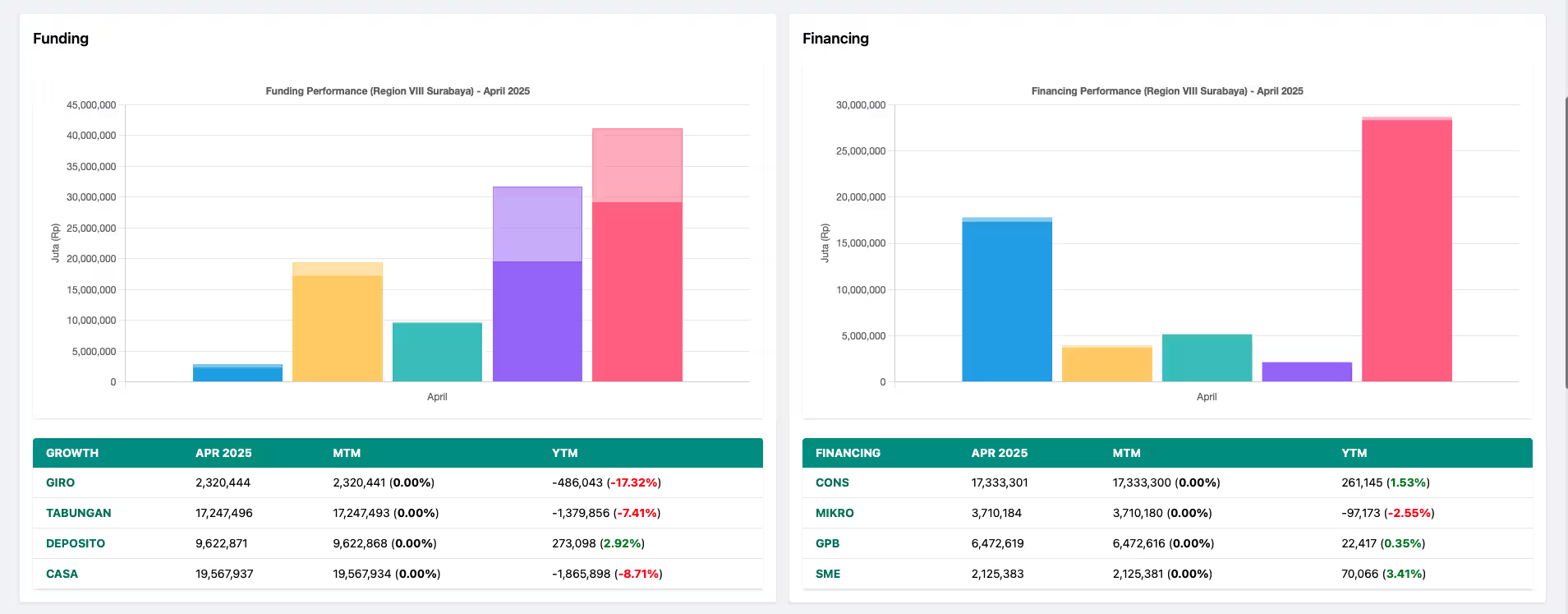
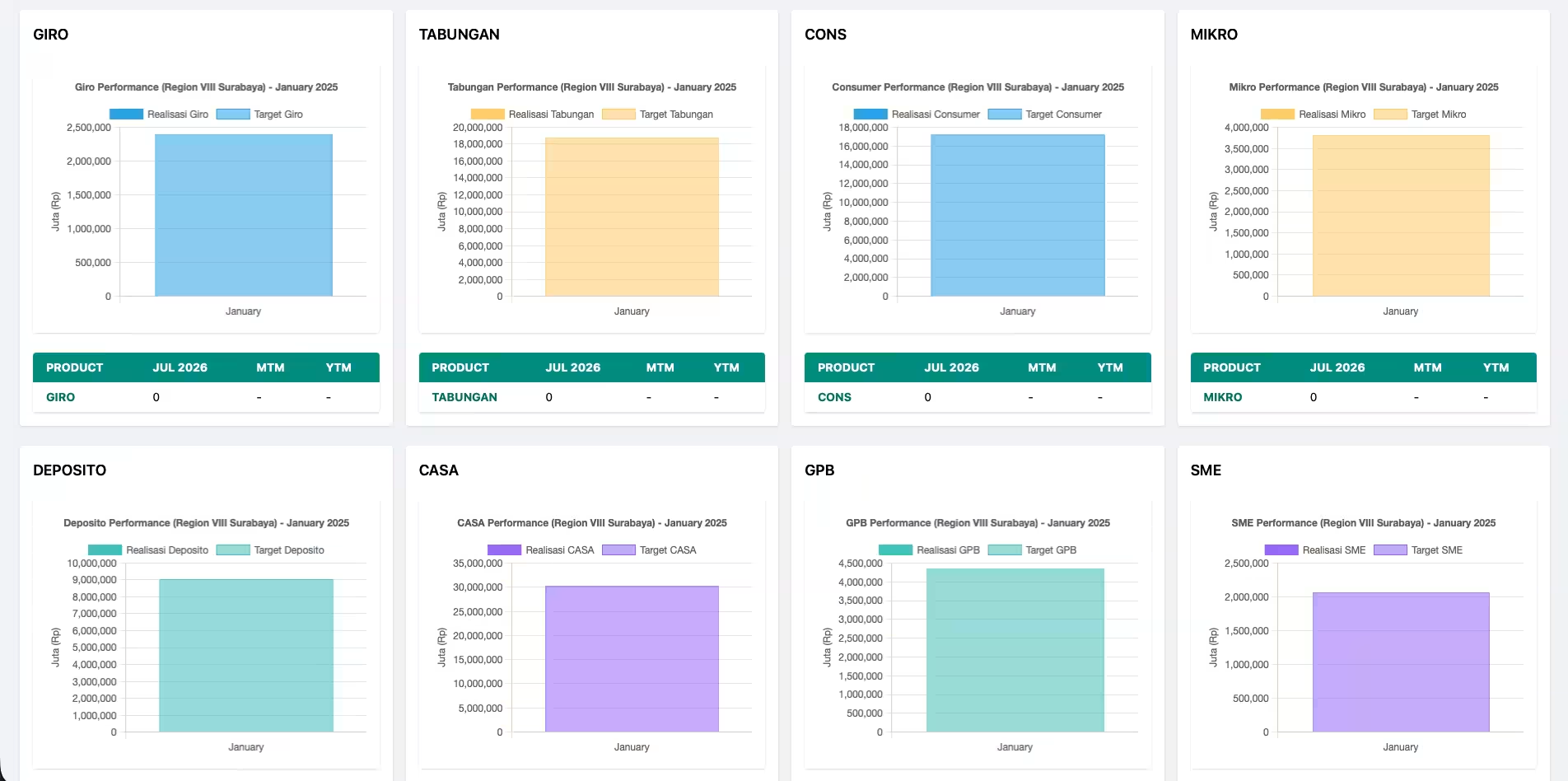
For the dashboard, I worked closely with the C-level executives to understand what they actually needed to see. It wasn't about showing all the data - it was about highlighting trends and outliers. I built three main views: • Top 10 / Bottom 10 performers (instant visibility into best and worst branches) • MTM/MTD/YTD comparisons (spot trends over time) • Category breakdowns (funding, financing, KOL, NPF, payroll) Using Chart.js, I created interactive visualizations that executives could filter by date range, branch, or metric. The key insight? They didn't need more data - they needed actionable insights.
The Results
From 3 hours to 3 minutes
The impact was immediate. What used to take 2-3 hours of manual work now took 3 minutes: 1. Upload Excel file 2. System parses and validates data 3. Dashboard updates automatically Staff members who used to spend their mornings compiling reports could now focus on analysis and strategy. C-level executives got real-time data instead of yesterday's numbers. But the best moment? When one executive called me to say, "This dashboard helped us identify an underperforming branch early enough to intervene and turn it around." That's when I realized - this wasn't just about saving time, it was about enabling better decisions.
Technologies Used
Key Features
Key Learnings
Project Gallery
Interested in this project?
Feel free to explore the code or see it in action. I m always happy to discuss the technical details!